Try KennelDesk for yourself
Explore a working version of KennelDesk, filled with sample data. Click around, add a booking, and see how it feels before you decide.
Takes about 30 seconds. No payment details needed.
What to try first
Five quick things that show you what KennelDesk is like day to day.
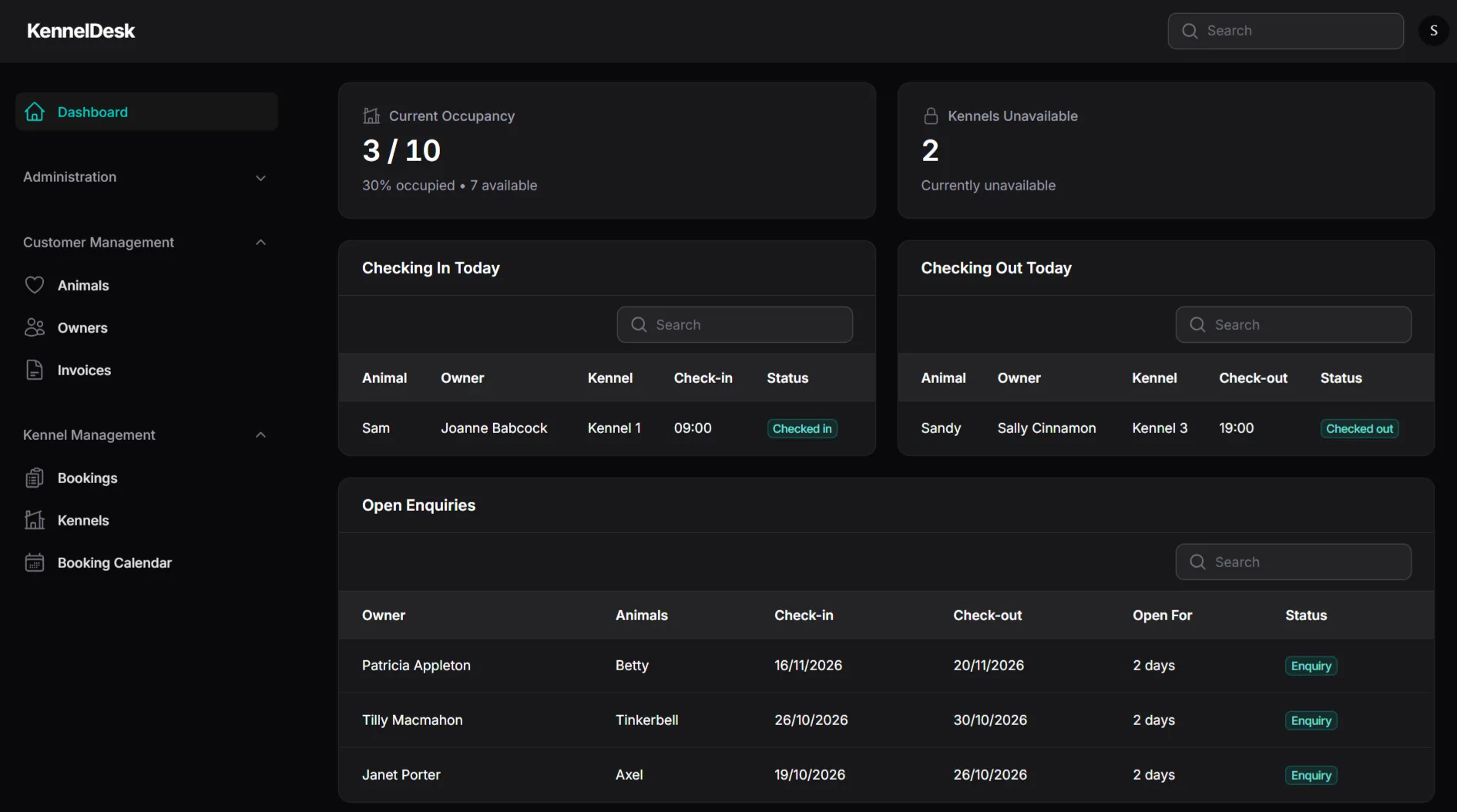
Check the dashboard
See today's check-ins and check-outs, occupancy, and any kennels that are unavailable.
Look at the booking calendar
See how every booking sits on the calendar, and how clear it is at a glance.
Start a new booking
Use the New Booking button to see how quickly a booking can be added.
Follow up an open enquiry
Find the enquiries table and see who's waiting for a call back.
Try it on your phone
Open the demo on your phone to see how it works away from your desk.
Like what you see?
Book a discovery call and we'll talk through how KennelDesk could work for your kennel, then help you get set up.